Peplink's AP One access points and SD-Switch lineup extend the SD-WAN management plane down to the access layer. One InControl tenant from the router on the WAN side to the AP serving the desk, the camera on the ceiling and the PoE phone on the wall. Wi-Fi 6 / 6E, multi-gig PoE, and VLAN segmentation enforced consistently across every site.
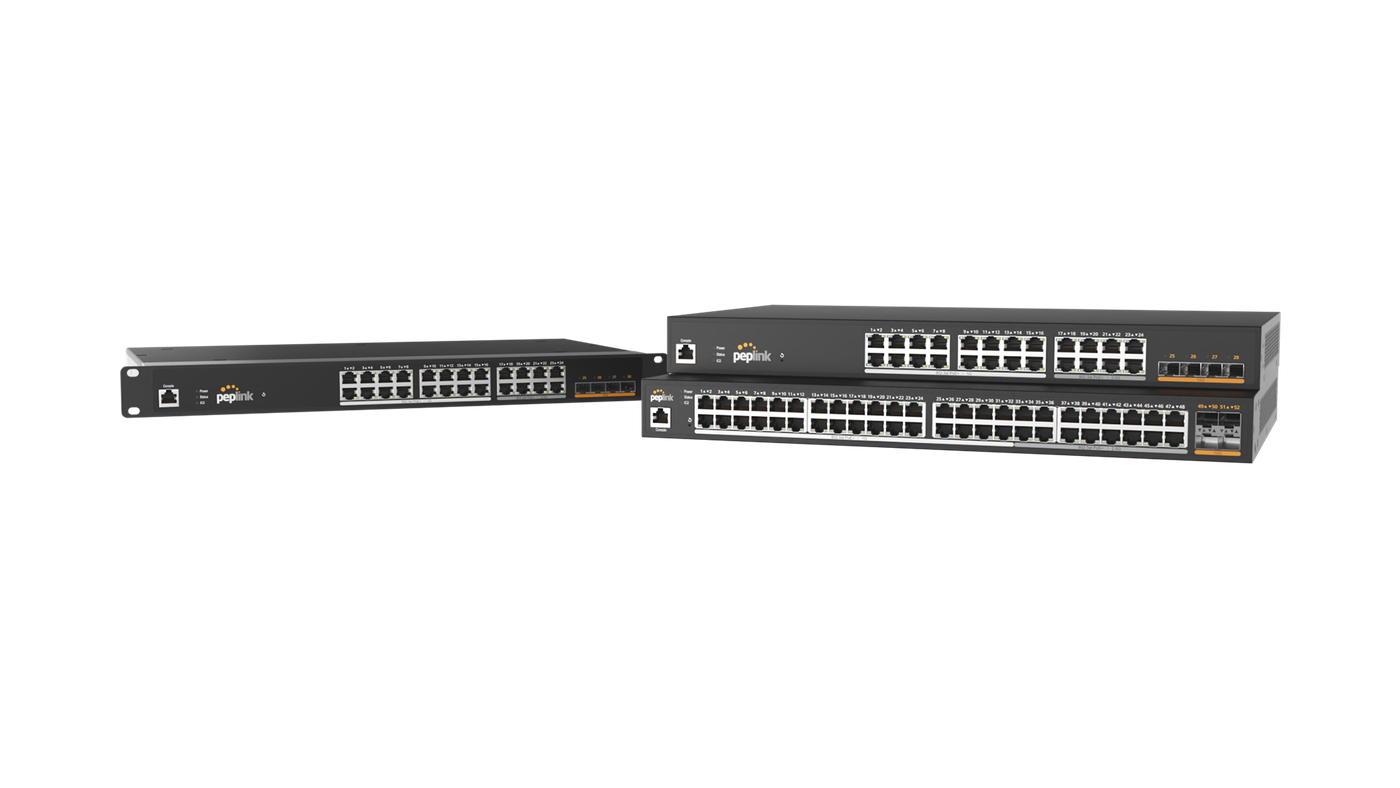
Access points, switches and the management plane. Stocked together, configured together, supported together.
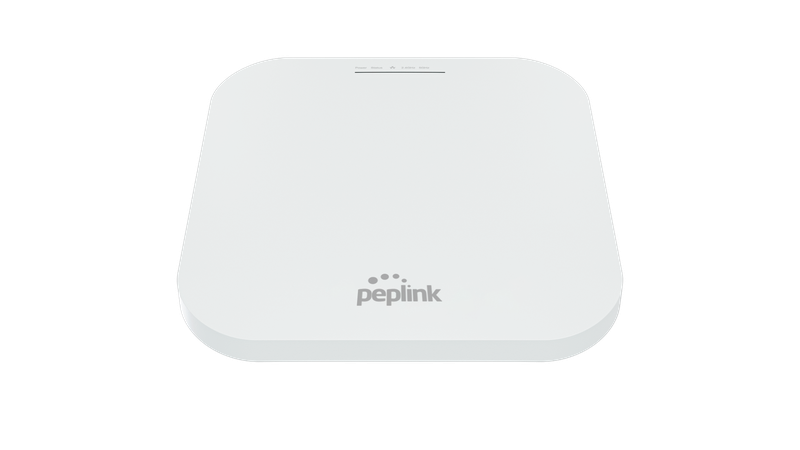
Indoor, outdoor and ruggedised access points across the Wi-Fi 6 and Wi-Fi 6E generations. Wi-Fi-as-WAN failover supported on the AP One AX where the AP can become a backup uplink, not just a serving radio. Cloud-managed via InControl with the routers.
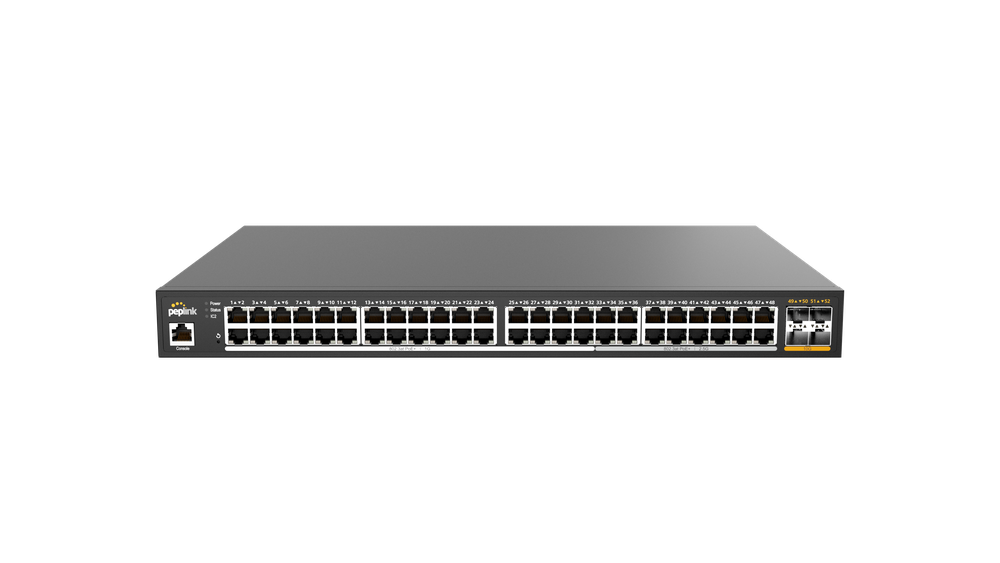
8, 24 and 48-port managed switches with PoE+ / PoE++ budgets sized for AP, camera, phone and access-control loads. Multi-gig uplinks (10G on the 8-port, 2.5G across the 48-port). Configured and updated through the same InControl tenant as the routers and APs.
/Family Photos/Switch Family Photo.png)
InControl is the management plane the routers already use — and the APs and switches share it. Push the SSID template, the VLAN map, the PoE policy and the QoS profile to every site at once. Add a new branch, the access layer comes up with the same config as everywhere else.
You can mix-and-match an AP brand with a switch brand and a router brand. It will work. It will also create the failure modes that have eaten a thousand chain rollouts. Single-vendor access layer collapses three operational headaches into one dashboard.
One InControl tenant for the WAN, the LAN switching and the Wi-Fi. No separate AP controller, no separate switch console, no separate router cloud. Add a branch — the whole access layer comes up with the same SSID, VLAN map and QoS policy in minutes, not days.
Specced for the actual load — cameras + APs + phones + access control. The 8-port carries 10G uplink for an SME site. The 24-port covers a mid-floor closet. The 48-port PoE 2.5G handles dense Wi-Fi 6E deployments with PoE++ where the APs need it. Securna sizes the PoE budget against the bill-of-quantities, not against a default.
Segments enforced from the wall port through the switch and the router. Guest Wi-Fi on a VLAN that never sees POS. CCTV on its own bridge. PoE phones in voice VLAN with the right QoS. Hospital biomedical separate from admin. The same template propagates to every site — auditable, reproducible, restorable.
Bonding is provided by Peplink's SpeedFusion technology — running on every router in this lineup.
Single-vendor access layer is highest-value where the same template repeats across many sites — chains, campuses and multi-property estates.
Hotel guest Wi-Fi + back-of-house segmentation + F&B POS, one dashboard.
Lecture-hall Wi-Fi 6 + per-classroom VLAN + multi-campus templating.
POS VLAN + guest VLAN + CCTV VLAN — replicated to every store from one config.
Clinical / admin / biomedical separation enforced at the wall port.
One conversation — site count, AP density required, PoE load, expected throughput, segmentation policy. We come back with the AP and switch selection, the PoE budget calc, the InControl template that propagates to every site, and the bill-of-materials.